
Nano Banana Reference Edits That Preserve Identity
MidassAI Team · August 13, 2026 · 4 min read
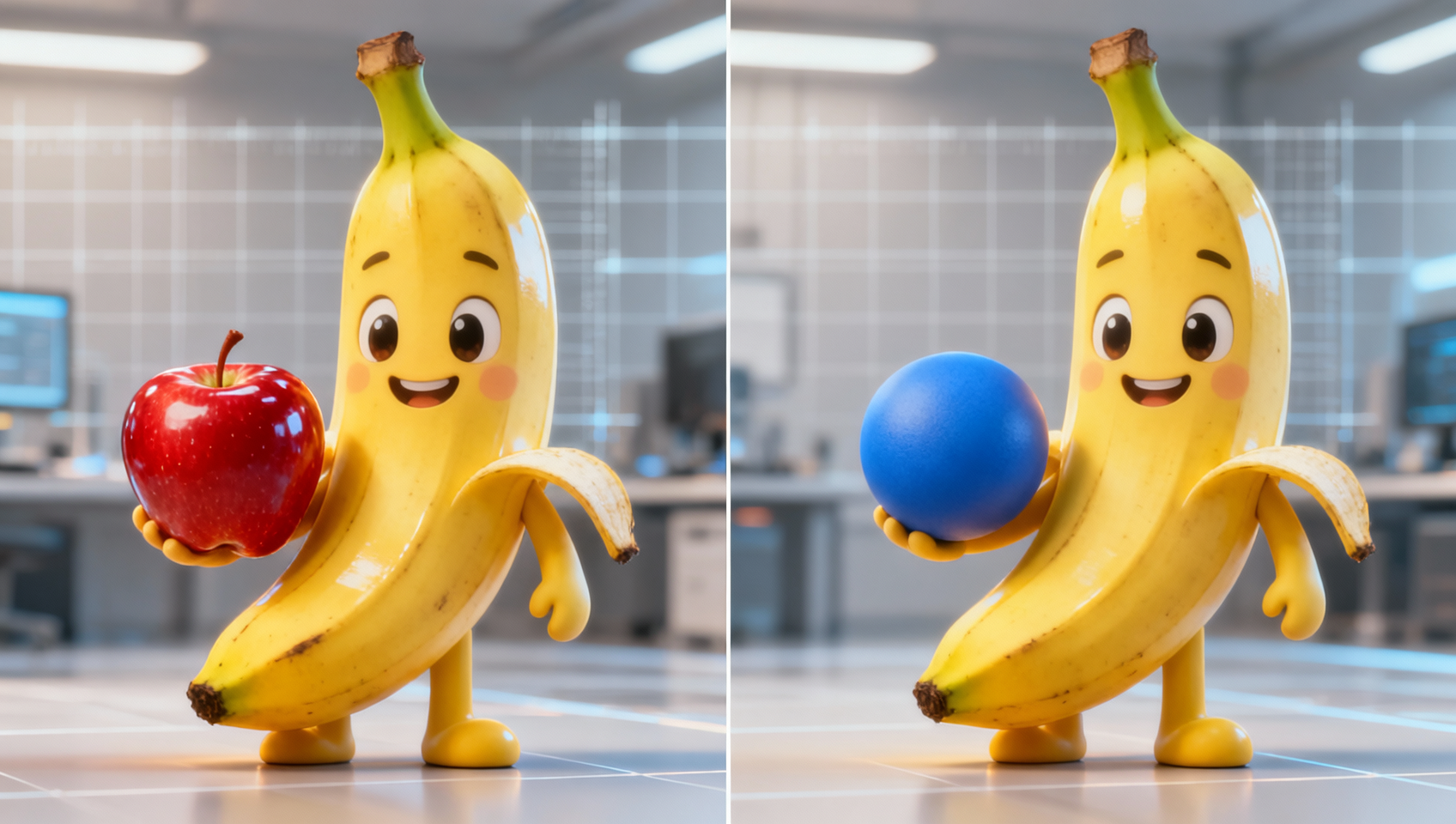
Most Nano Banana “drift” is not a model mystery. It is a brief that asks for a new scene when you meant one surgical change.
The preserve-first template
Always write two blocks:
- Keep — subject, pose, face, logo geometry, camera, lighting
- Change — exactly one axis this turn
Example:
Keep the same woman, face, hairstyle, wardrobe, pose, and camera framing from the reference.
Replace only the background with a soft blue gradient. Do not alter skin tone or hand position.
Attach anchors up front
Upload clean reference shots before the edit chain starts—face plate, product pack shot, layout frame. Mid-chat attachments after five turns are how identities mutate.
Recommended set:
- 1 hero subject image (front)
- 1 alternate angle if product logos matter
- Optional style still (only if look must transfer)
Name roles in plain language: “Image 1 is the face lock. Image 2 is the bottle label lock.”
One change per turn
Bad: make it night, add rain, change jacket to red, zoom closer.
Good turn 1: Change only the jacket to deep red. Keep everything else.
Good turn 2: Now add light rain. Keep jacket and framing.
Conversational editing compounds; multi-ask turns average.
Download intermediates
Chat history is not a vault. Download every keeper at full resolution before the next edit so you can roll back without regenerating the whole chain.
Model routing note
Use Banana 2 for cheap identity loops; escalate to Pro when labels/text on the product must stay readable after edits.
Prerequisites and setup
Work in a chat dedicated to one asset. Disable unrelated tools that inject new references. Keep a side folder of “golden frames” so you can re-attach the last good still if the thread drifts.
Extended workflow
- Attach references and declare roles.
- Generate or paste the base frame.
- Run three surgical edits max per session.
- If drift appears, re-attach the last good download and restate Keep rules.
- Final pass on Pro only if typography/packaging is client-critical.
Common mistakes
- Keep rules missing. Fix: lead every edit with what must not move.
- Collage references in one image. Fix: separate files per role.
- Restarting from text-only after a good edit. Fix: always edit from the last image.
Field recipes that survive rerolls
Product pack on new lifestyle set
Keep bottle shape, label typography, cap color, and camera height from Image 2.
Change only the surface under the bottle to light oak with soft window light from camera left.
Do not rewrite the logo or add condensation.
Then a second turn for props only: Add one ceramic cup behind the bottle. Keep bottle and lighting unchanged.
Portrait wardrobe swap
Lock face geometry explicitly (same person as Image 1, identical facial proportions) before mentioning clothes. If hair length flips after a jacket edit, re-attach the golden face plate and restate Keep before retrying wardrobe.
Brand layout restyle
Treat the layout frame as a geometry lock: margins, logo corner, and headline band stay fixed while you change only background texture or accent color. Quote any on-image text if Pro is in play.
Drift triage checklist
When the subject “almost” looks right:
- Zoom to 100% on eyes/logo edges—soft similarity is still failure for client work.
- Count how many axes you changed in the last prompt; collapse to one.
- Re-upload the last good PNG as the sole working reference; drop older noisy frames.
- Shorten the Change sentence; long scenic prose reopens composition.
- If text on pack smudges, route the next turn to Pro with a typography Keep rule.
Session hygiene for teams
Name downloads asset_v03_keep.png so handoffs stay deterministic. Put the Keep block in a shared note pinned above the chat. Limit each operator to three surgical turns before a fresh thread with re-attached goldens—long chats accumulate silent style bias even when wording looks correct.
Try this in MidassAI
Use Studio’s Nano workflow to keep reference attachments and edit turns in one place. Start at https://www.midassai.com/studio/nano/ with a product plate and practice three single-axis edits before attempting a full campaign restyle.