
Midjourney Draft Mode: Explore Styles with --sref Random
MidassAI Team · August 13, 2026 · 4 min read
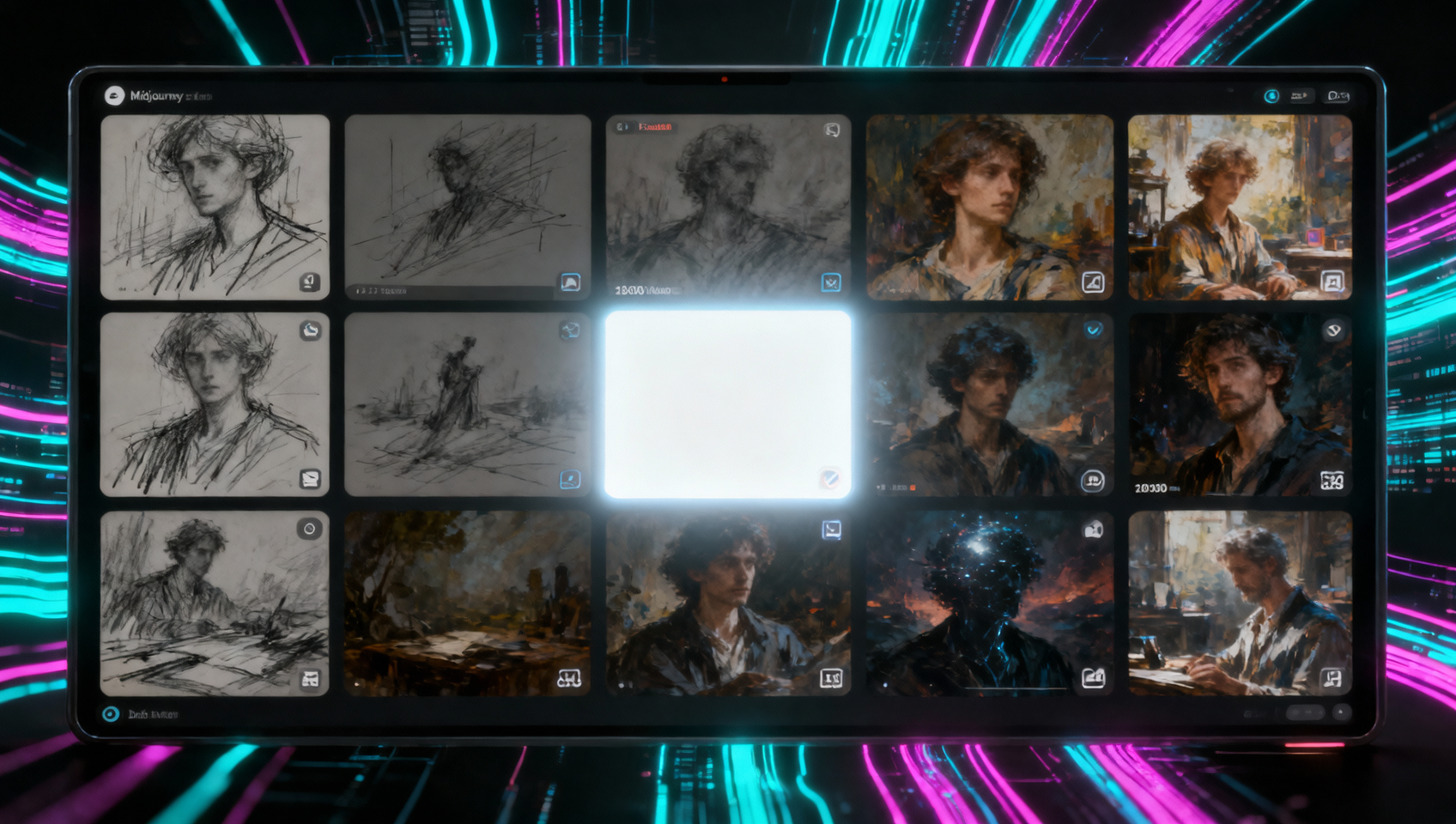
Full-quality V8.2 grids are the wrong tool for finding a look. Draft mode exists to widen the search; --sref random multiplies that search across style space.
What Draft actually buys you
On the web app, Draft (lightning / --draft) returns a large low-res batch—community guides commonly cite 24 images around 512px for ~0.4 GPU minutes per prompt. Soft edges are expected. You are shopping for composition and vibe, not print masters.
Discord does not replace this loop—run Draft on midjourney.com.
Two-stage production loop
- Explore — Draft + fixed subject prompt.
- Style-sample — same prompt +
--sref randomin Draft to force divergent treatments. - Harvest — note which tiles share a usable look; copy their style codes or reuse the tile as
--sref. - Commit — drop
--draft, generate full quality on one shortlist prompt. - Polish — Editor / variations only after the look is locked.
Prompt patterns
Subject locked, exploration open:
ceramic pour-over kettle on oak table, soft morning light, product catalog framing --ar 1:1 --draftStyle roulette:
ceramic pour-over kettle on oak table, soft morning light, product catalog framing --ar 1:1 --draft --sref randomAfter you like a tile, promote:
ceramic pour-over kettle on oak table, soft morning light, product catalog framing --ar 1:1 --sref <code-or-url> --sw 100Cost discipline
| Stage | Mode | Goal |
|---|---|---|
| Ideation | Draft | Breadth |
| Style hunt | Draft + --sref random |
Divergence |
| Final | Standard / HD | Fidelity |
Never start a client deck in HD. Explore until one frame survives a “would I crop this for the hero?” test.
Extended workflow
- Write one boring-clear subject line (no “masterpiece / 8k” noise).
- Run two Draft batches: plain, then
--sref random. - Shortlist three tiles max—more creates decision fatigue.
- Extract
--sreffrom keepers; regenerate at full quality with identical wording. - Archive the winning sref code in MidassAI notes for the campaign folder.
Prerequisites and setup
Ensure your subscription tier supports fast hours for rapid iteration, as Draft mode still consumes GPU time despite lower resolution. Access the alpha features panel in your account settings to toggle Draft mode explicitly, as it is not always enabled by default on legacy accounts. Verify you are running Model Version 6.1 or higher, as earlier iterations lack the specific style reference randomization logic required for this workflow.
Turn off the personalization toggle to prevent your historical data from skewing the random style selection toward familiar aesthetics. This guarantees a truly unbiased spread of artistic directions during the initial sampling phase. Re-enable personalization only after you have locked a specific style code for final brand-aligned production.
Extended prompt workflow
- Construct a neutral subject prompt devoid of artistic adjectives, focusing strictly on physical objects and lighting conditions.
- Execute a initial batch using
--draft --sref randomto generate twenty-four distinct stylistic interpretations without high-resolution costs. - Identify the single strongest composition and extract its style reference code using the envelope reaction or details menu.
- Re-run the original neutral prompt applying the extracted code with
--sref [code] --sw 150to enforce the look strictly. - Upscale the selected image to standard resolution only after confirming the style holds across multiple variations.
Common mistakes
- Over-describing the style in the text prompt. Fix: Let the
--sref randomparameter handle aesthetics while text defines geometry. - Ignoring aspect ratio consistency during exploration. Fix: Lock
--arearly so composition comparisons remain valid across batches. - Skipping the style weight adjustment. Fix: Use
--swvalues between 100 and 1000 to control how heavily the random style influences the subject.
Try this in MidassAI
Teams can save these exploration chains directly within the project workspace to ensure reproducibility. By logging the specific style codes alongside the final prompt, collaborators can replicate the exact visual direction without restarting the discovery phase. Access the tool via https://www.midassai.com/studio/mjpro/ to organize these assets efficiently.