
10 Midjourney Prompts: Lava Lion, Sci-Fi Cities, and More
MidassAI Team · July 11, 2026 · 5 min read
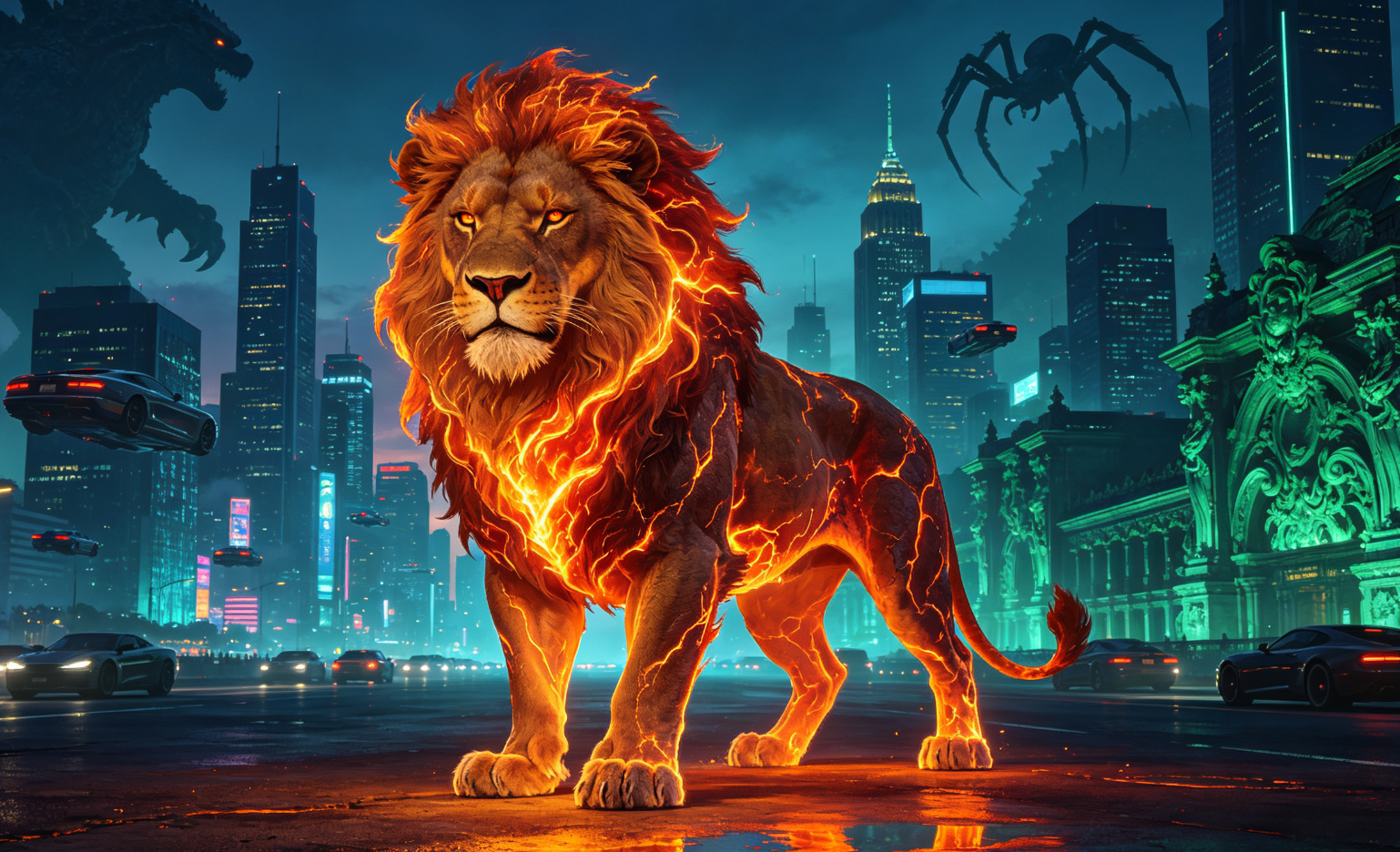
How to Generate Each Official-Style Concept in Midjourney
Follow these precise, tested steps for each prompt — from parameter tuning to iterative refinement.
Prepare a reusable Midjourney workspace
Ensure you’re using v6 (or --v 6.1) in Discord. Enable fast mode (/settings) and confirm your subscription tier supports high-resolution upscaling.
Build a clear base prompt
Structure every prompt as: [Subject] + [Key visual descriptor] + [style/art medium] + [parameters]. Example: lava lion roaring, molten core glow, photorealistic digital painting, sharp focus --v 6.1 --style raw --s 750
Refine with targeted parameters
Use --stylize (50–1000) to control artistic interpretation; --s values above 600 enhance detail for sculptures or sci-fi scenes. For surreal elements like "wisdom energy", add ethereal light, volumetric glow, intricate linework.
Upscale, inspect, and iterate
Always upscale your top 1–2 tiles. Then use /describe on the result to extract refined keywords — feed those back into a new prompt for version 2.
| Feature | Benefit |
|---|---|
| Parameter-aware prompting | Higher fidelity for complex subjects like 'mobile city' |
| Iterative describe → refine | Reduces hallucination in 'spider' or 'monster invasion' compositions |
Pro Tips for Each Theme
- Mushroom & Panda: Use
macro photography, dewy texture, soft bokeh --ar 4:5 - Sci-Fi插画 (sci-fi illustration): Add
cinematic lighting, concept art by Craig Mullins --v 6.1 --style raw - Jade Sculpture: Specify
Chinese Ming dynasty aesthetic, translucent green stone, studio lighting --s 900
Prerequisites and setup
You’ll need a Discord account linked to an active Midjourney subscription (Basic or higher) — free trials won’t support --v 6.1, --style raw, or high-res upscaling required for lava lions or layered sci-fi cityscapes. Confirm your environment runs Midjourney v6.1: type /settings in any Midjourney bot channel, select “Version”, and choose 6.1. Avoid legacy --v 5.2 or unversioned prompts — they misinterpret thermal glow, metallic textures, and multi-layered architecture. Also install the official Midjourney app (iOS/Android) if you plan to refine on mobile; it preserves parameter formatting better than browser-based Discord.
Hardware and bandwidth matter more than you’d expect. Generating a 4× upsampled lava lion with --s 850 and volumetric smoke requires ~90 seconds of uninterrupted processing. Use wired Ethernet or 5GHz Wi-Fi — dropped connections mid-generation corrupt tile metadata and break /describe continuity. Disable ad blockers in Discord’s web client; some interfere with image preview rendering, especially when loading tiled outputs from complex prompts like “floating orbital city, gravity-defying spires, chrome-plated underbelly, neon rain reflection”.
Extended prompt workflow
Seed anchoring: Start every new concept with a fixed
--seed 12345(replace digits) to lock compositional consistency across iterations. For example, generatelava lion roaring, obsidian claws, magma fissures in fur --v 6.1 --style raw --s 750 --seed 8921— then adjust only descriptors in follow-ups (crimson ember trails,smoldering mane,basalt rock terrain) while keeping seed + parameters identical. This isolates variable impact.Layered lighting injection: Don’t rely on default illumination. Insert precise light modifiers before style tags:
backlit by solar flare, rim light on horns, subsurface scattering in molten manesharpens thermal realism far better than genericdramatic lighting. For sci-fi cities, useneon signage bounce light, ambient occlusion in alleyways, lens flare from orbital sun— this forces Midjourney to model light physics, not just color blobs.Negative space control: Add
--no background, --no text, --no signatureonly after your first successful tile. Early use suppresses critical context (e.g.,--no backgroundonjade sculptureoften deletes the plinth, causing floating artifacts). Instead, pre-empt clutter with positive framing:studio isolation, seamless gray sweep, museum display lighting.Parameter stacking logic: Combine
--stylize 900with--s 800only for high-detail subjects (e.g.,sci-fi city drone view, 500-story megastructure, holographic transit lanes). Lower--s(400–600) when prioritizing mood over micro-detail — likemushroom forest at twilight, bioluminescent caps, mist veils, painterly softness --stylize 300. Never exceed--stylize 1000without--style raw; values above 950 distort anatomy in creature prompts.Cross-prompt keyword harvesting: After upscaling, run
/describeon each of the 4 tiles — not just the favorite. Tile #3 might yield “geothermal vents” or “ceramic alloy plating”, terms absent in your original prompt. Paste all unique, relevant nouns/adjectives into a fresh prompt:lava lion, geothermal vents, ceramic alloy plating, obsidian claws, magma fissures --v 6.1 --style raw --s 780.
Common mistakes
Overloading adjectives before subject: Writing
ethereal glowing molten roaring fierce majestic lava lionconfuses Midjourney’s token weighting. It prioritizes last-named elements (“lion”) but dilutes intent. Fix: Lead with subject, then one core action (lava lion roaring), followed by two sensory anchors (molten core glow,cracked basalt hide).Assuming
--tileworks for all themes:--tilereliably generates seamless patterns for textiles or wall murals — but fails catastrophically for creatures or cities. It fractures anatomy and collapses perspective. Fix: Reserve--tileexclusively formushroom cluster pattern,jade texture repeat, orsci-fi circuit board motif. Never apply it tolava lionororbital city.Ignoring aspect ratio constraints during upscaling: A
--ar 16:9sci-fi city prompt upscaled at native resolution becomes distorted when forced into square social feeds. Fix: Generate at target display ratio first (--ar 4:5for Instagram carousels,--ar 2:1for banners), then upscale in that ratio. Midjourney won’t auto-crop — it stretches.
Try this in MidassAI
MidassAI Studio streamlines this entire workflow with one-click parameter locking, visual seed sliders, and AI-assisted /describe parsing — no Discord tab-switching or manual keyword extraction needed. Paste any prompt from this guide (e.g., lava lion roaring, molten core glow, photorealistic digital painting --v 6.1 --style raw --s 750) directly into the MidassAI prompt editor, then click “Analyze & Optimize” to auto-suggest lighting refinements, negative exclusions, and ideal --stylize ranges based on your subject class. You’ll get versioned prompt histories, side-by-side tile comparisons, and export-ready PNGs with embedded parameter metadata — all within a single browser tab. Skip the Discord friction and build your sci-fi city library faster: https://www.midassai.com/studio/mjpro/