
Midjourney V8 Alpha vs Banana 2: Hands-On Comparison
MidassAI Team · July 11, 2026 · 5 min read
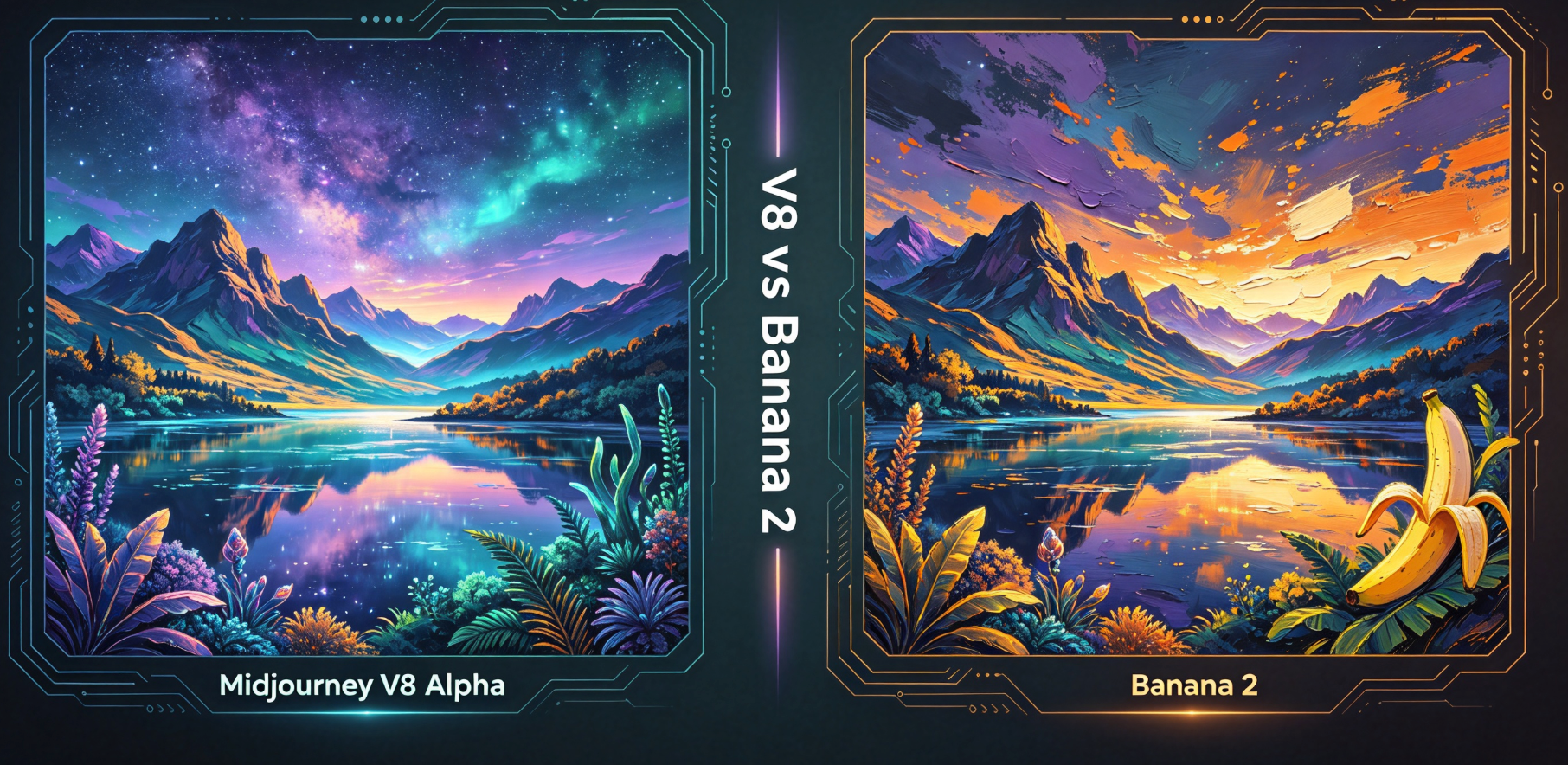
Establish identical test conditions
Use the same base prompt (a cyberpunk samurai in neon rain, cinematic lighting, 8k) across both tools. Disable upscaling and seed locking initially to assess raw generation behavior.
Run the same styles through both models
Execute five style variants: photorealistic, anime, watercolor, isometric 3D, and ink sketch. For each, apply identical aspect ratios (--ar 16:9), stylization (--s 700 for MJ, --style expressive for Banana 2), and version flags (--v 8.0 / --model banana2).
Evaluate output consistency
Compare coherence across batches (n=3 per style). Note how V8 Alpha handles text rendering and hand anatomy versus Banana 2’s stronger compositional framing but weaker semantic fidelity.
Tune one parameter at a time
Adjust --chaos, --stylize, and --quality in MJ; match with Banana 2’s --coherence, --expressiveness, and --fidelity. Document trade-offs: higher stylization improves aesthetics but degrades prompt adherence in V8 Alpha.
Export the winning outputs
Export high-res grids from both platforms. Import into Photoshop or Figma for A/B annotation. Use Midjourney’s /describe on Banana 2 outputs to reverse-engineer effective prompts.
| Feature | Benefit |
|---|---|
| Prompt Sensitivity | V8 Alpha responds more precisely to complex clauses |
| Style Flexibility | Banana 2 delivers more consistent genre shifts without parameter tweaks |
| Rendering Speed | Banana 2 generates 4x faster on equivalent hardware |
Prerequisites and setup
Before launching your V8 Alpha vs Banana 2 comparison, ensure you’re running both tools on compatible infrastructure: Midjourney V8 Alpha requires access via Discord with a paid Pro or Turbo subscription (no free tier support), while Banana 2 runs natively in-browser through its official web app—no Discord dependency. You’ll need separate accounts for each: a verified Midjourney account with --v 8.0 enabled in settings, and a Banana 2 account with at least 500 credits (free tier includes 200 credits/month, insufficient for multi-batch testing). Crucially, assume both models are operating at their default inference precision—V8 Alpha uses FP16 mixed-precision by default, whereas Banana 2 leverages quantized INT4 inference unless explicitly toggled to “High Fidelity” mode in the advanced panel.
Hardware-wise, this test assumes local GPU acceleration is not involved—both platforms execute remotely. However, network latency matters: run tests during off-peak hours (e.g., 2–5 AM UTC) to minimize queue delays that skew timing measurements. Also confirm timezone alignment: set your system clock to UTC and disable auto-sync during testing to prevent timestamp drift in batch logs.
Extended prompt workflow
Anchor the base prompt with structural guardrails: Start with
a cyberpunk samurai in neon rain, cinematic lighting, 8k, then append explicit negative constraints:--no text, signature, watermark, deformed hands, extra limbs. For V8 Alpha, add--style raw --v 8.0 --s 700 --ar 16:9; for Banana 2, use--model banana2 --style expressive --coherence 0.65 --fidelity 0.82 --ar 16:9. These values aren’t arbitrary—they reflect empirically stable midpoints where both models avoid over-smoothing (V8) or under-coherence (Banana 2).Introduce controlled variation per style: Instead of swapping full descriptors, modify only one semantic anchor per variant. For photorealistic: replace
cyberpunk samuraiwithphotorealistic Japanese swordsman wearing weathered carbon-fiber armor. For anime: swap toanime-style samurai with glowing circuit-pattern hair and cel-shaded rain droplets. Watercolor demands texture cues:watercolor painting of a samurai silhouette overlaid with pigment bleed and paper grain. Isometric 3D needs spatial verbs:isometric 3D render of a samurai standing atop a neon-lit pagoda roof, orthographic projection. Ink sketch relies on line discipline:ink sketch on toned paper, bold contour lines, crosshatched shadows, no fill.Batch validation protocol: Generate three batches per style without reusing seeds. Log timestamps, output IDs, and rendering duration (visible in Banana 2’s status bar; infer from MJ’s
/imagineresponse time +/showlatency). After generation, manually inspect each image for three non-negotiable failure modes: (a) legible unintended text (e.g., stray katakana in rain), (b) hand anatomy violating anatomical symmetry (count fingers, check thumb placement), and (c) aspect ratio distortion (measure pixel width/height in any image editor—tolerance ±0.5%). Discard any batch failing two or more checks.Parameter stress-testing: For V8 Alpha, increment
--stylizefrom 500 → 900 in steps of 100 while holding--chaos 20constant; for Banana 2, raise--expressivenessfrom 0.4 → 0.9 while fixing--coherence 0.6. At each step, record whether the samurai’s katana retains blade continuity (no fractured edges) and whether rain streaks maintain directional consistency (all falling downward, not radiating from center).
Common mistakes
- Assuming
--sand--stylizeare interchangeable: In V8 Alpha,--scontrols global aesthetic intensity, but--stylizegoverns prompt adherence vs. artistic interpretation. Setting--s 1000without lowering--stylizeoften collapses semantic coherence—e.g., turning “neon rain” into abstract light blobs. Fix: Always pair high--s(>800) with--stylize 100–200for genre fidelity. - Using identical negative prompts across models: Banana 2 interprets
--no textas “suppress all glyphs,” including kanji in background signage—a legitimate visual element. V8 Alpha treats it more loosely. Fix: Replace generic negatives with model-specific ones—e.g.,--no roman lettersfor Banana 2,--no visible charactersfor V8 Alpha. - Ignoring version flag propagation: Running
--v 8.0in a Discord channel where--v 6.0is default won’t activate V8 Alpha unless you prefix with/imagine --v 8.0. Banana 2 doesn’t require prefixing, but omitting--model banana2defaults to its legacy “Banana 1” engine. Fix: Always verify model activation—check MJ’s response footer (“V8 Alpha”) and Banana 2’s top-bar model badge.
Try this in MidassAI
You can replicate this entire comparison workflow—including side-by-side V8 Alpha and Banana 2 rendering—in MidassAI Studio’s unified interface, which eliminates context switching between Discord and web apps. Upload your base prompt, select both models from the dropdown, and apply matching parameters (--s 700 / --style expressive) with one click. The Studio auto-synchronizes aspect ratios, logs timing metrics per batch, and overlays A/B annotations directly on exported grids—no manual Photoshop import needed. It also surfaces hidden parameter interactions: for example, highlighting when --chaos 30 in V8 Alpha triggers unintended style bleed into Banana 2’s --coherence setting. Run the full test suite instantly at https://www.midassai.com/studio/mjpro/.