
Keep the Same Character Across Midjourney V7 Scenes
MidassAI Team · August 8, 2026 · 4 min read
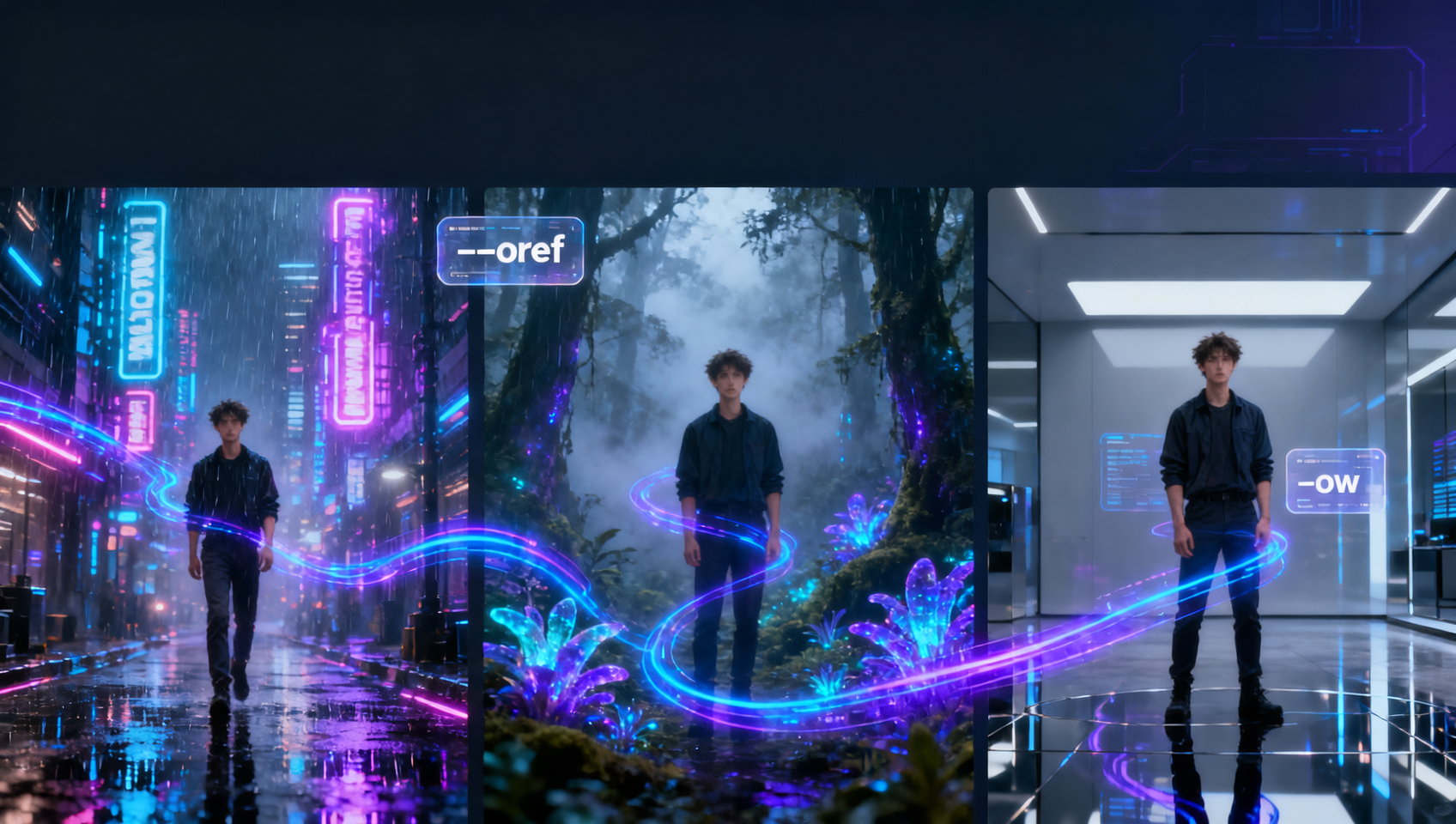
Character drift is the silent budget killer in AI art campaigns. You nail a face in frame one; frame two looks like a cousin. Midjourney V7 replaced Character Reference (--cref) with Omni Reference (--oref), and the workflow change is worth an afternoon to learn.
What broke when V7 shipped
If you paste old prompts with --cref, V7 ignores or errors. Omni Reference blends identity and useful scene cues from a reference image—not just the face. That means tighter continuity when you change wardrobe or location, but also means a busy reference photo can leak background clutter into the render.
Style Reference (--sref) still works and pairs well with --oref: oref holds who, sref holds the look.
The minimal oref workflow
- Generate or upload a clean hero portrait—neutral background, face readable, no heavy filters.
- Copy the image URL (or use Midjourney’s web UI attach flow).
- Prompt a new scene and append
--oref [URL]. - Tune Omni weight with
--ow 100(default-ish) down to--ow 25if the model feels “stuck” on the reference pose.
Example:
A travel photographer reviewing shots on a laptop in a Tokyo hotel room at night, warm desk lamp, documentary photo --ar 16:9 --raw --oref https://example.com/hero.webp --ow 80When oref costs double GPU time
Official docs note oref runs heavier than a plain text prompt. Batch exploration belongs in Draft mode; commit oref only on winners you will upscale or use in production.
Common failures (and fixes)
| Symptom | Likely cause | Fix |
|---|---|---|
| Face right, outfit wrong | ow too high, reference dominated | Drop --ow, describe wardrobe explicitly |
| Background cloned from reference | Reference too busy | Crop tighter or use a studio headshot |
| Nothing like the reference | External URL blocked or low weight | Re-upload inside Midjourney, raise --ow slightly |
Pair with personalization
V7 Personalization (rate ~40–200 image pairs once) biases global taste. oref handles this character; personalization handles your aesthetic defaults. Turn both on for client work where the same actor appears across a landing page set.
Summary
Drop --cref from muscle memory. Build a small library of hero references, iterate scenes with --oref + --raw + explicit --ar, and adjust --ow before you rewrite the entire prompt.
Prerequisites and setup
You need an active Midjourney subscription connected to Discord or the web alpha interface. Standard plans work, but Pro accounts reduce queue wait times during heavy iteration cycles. Ensure your default model version is set to V7 or higher, as Omni Reference parameters do not function on legacy versions like V5.2 or Niji 6.
Store your reference assets on a reliable host. While Discord attachments work, using the Midjourney web gallery ensures URLs remain stable during batch jobs. Have a text editor ready to manage prompt variations, since swapping --ow values requires precise syntax without typos.
Extended prompt workflow
- Select the Anchor Image: Choose a source file where lighting matches your target scene. If shooting a night scene, do not use a sunny portrait as the Omni source.
- Construct the Base Prompt: Write the action and environment first. Keep subject descriptors minimal to avoid conflict with the reference data.
Example:
cinematic shot of a detective examining evidence, rainy street, neon signs --ar 2.35:1 --v 7.0 - Inject Reference and Weight: Append the image URL and set an initial weight. Start conservative to allow pose flexibility.
Example:
--oref https://cdn.midjourney.com/uuid.png --ow 50 - Refine Identity Strength: If the face drifts, increase
--owto 80. If the pose copies the reference too strictly, lower--owto 20 and describe the new pose explicitly in the text. - Lock Style Separately: Add
--srefif you need a specific color grade independent of the character identity.
Common mistakes
- Mixing V6 and V7 parameters: Using
--crefalongside--orefcauses unpredictable results. Stick to one reference system per generation; delete old--creftags before submitting V7 jobs. - Overloading the reference image: Using a full-body shot when you only need facial consistency often drags unwanted clothing details into the new render. Crop references to head-and-shoulders for tighter identity control.
- Ignoring aspect ratio conflicts: If your reference is square but your target is cinematic wide, the model may stretch facial features. Match
--arsettings between your reference generation and your final output where possible.
Try this in MidassAI
Execute this workflow without leaving your browser using MidassAI Studio. The interface manages image URLs automatically, preventing broken links during batch runs. You can toggle Omni weights via sliders instead of typing parameters manually, speeding up the tuning process. Start your consistency tests here: https://www.midassai.com/studio/mjpro/