
ai-image
AI Image for Fashion Magazine Covers
MidassAI Team · July 11, 2026 · 5 min read
Keywords: ai image fashion cover, generate magazine cover ai, ai fashion poster
Published: July 11, 2026 Author: MidassAI Team
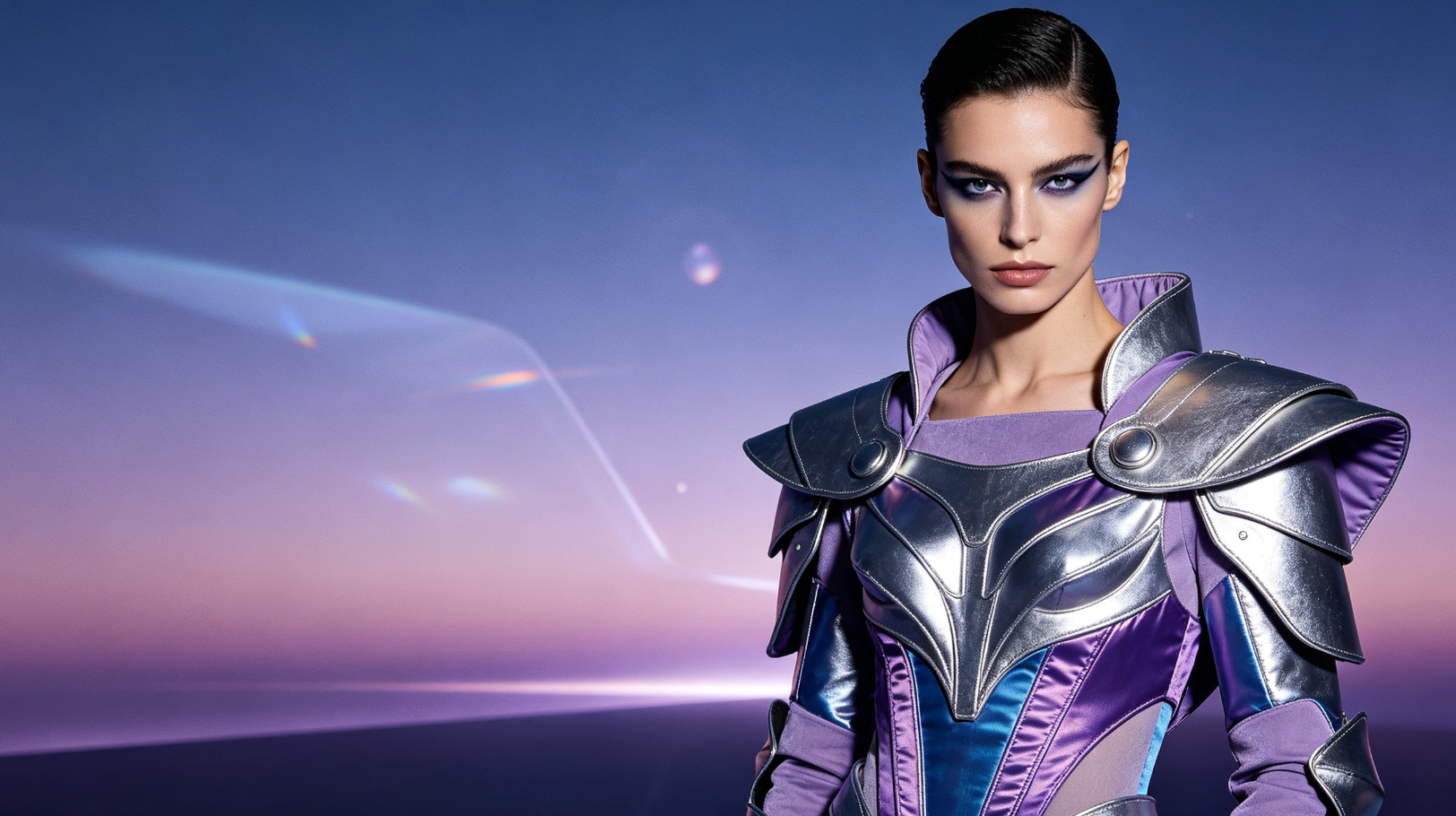
Why AI Image Tools Are Revolutionizing Fashion Publishing
Gone are the days when high-end fashion magazine covers required multi-day photoshoots, celebrity contracts, and six-figure budgets. Today, designers, editors, and indie publishers use AI image generators to craft breathtaking, trend-aligned covers in minutes — not months.
From editorial elegance to avant-garde minimalism, AI interprets nuanced prompts with remarkable fidelity: lighting direction, fabric texture, model pose, typography integration, and even brand-specific color palettes.
How It Works: From Prompt to Print-Ready Cover
The process is deceptively simple:
- Describe your vision: "High-fashion Vogue-style cover, East Asian model in sculptural ivory gown, soft studio lighting, cinematic depth of field, minimalist sans-serif title overlay"
- Refine iteratively: Adjust style modifiers (e.g., "--style raw --v 6.0"), aspect ratio (e.g., 8.5×11 inches or 2700×3600 px), and resolution.
- Edit & finalize: Use built-in inpainting for logo placement, text masking, or background refinement — all without Photoshop.
Major platforms now support CMYK export, bleed-safe margins, and Pantone-matched palettes — making AI-generated covers production-ready.
Real-World Impact Across the Industry
Independent zines report 70% faster turnaround from concept to launch. Established publishers use AI for A/B testing cover variants before print runs. Emerging designers leverage AI covers to pitch collections to buyers — with zero modeling fees or location rentals.
Ethical considerations remain important: always verify model likeness rights, avoid copyrighted aesthetics, and disclose AI-assisted creation where required by editorial policy.
| Feature | Benefit |
|---|---|
| Speed | Faster creation |
| Quality | Studio-grade output |
Best Practices for Professional Results
- Use descriptive, layered prompts: subject + attire + setting + lighting + mood + composition
- Prioritize high-resolution outputs (≥300 DPI) for print
- Layer AI-generated assets with human-designed typography and branding elements
- Test across formats: digital thumbnails, Instagram carousels, and physical print layouts
Quick Takeaways
AI image generation isn’t replacing art directors — it’s empowering them. With intelligent tools at hand, creativity scales, experimentation thrives, and fashion storytelling becomes more inclusive, agile, and visually daring than ever before.
Prerequisites and setup
Before generating fashion magazine covers, ensure you’re using a platform that supports high-fidelity photorealism, precise stylistic control, and print-ready output. MidassAI Studio (specifically the MJPro model) is optimized for editorial use — it’s trained on fashion photography archives, understands garment drape physics, and renders fabric textures (silk, wool crepe, metallic lamé) with accurate light interaction. You’ll need a verified MidassAI account with at least Standard-tier access to unlock 4K generation, CMYK export, and advanced inpainting tools. No local GPU or coding setup is required — everything runs in-browser with real-time preview.
Assume you’re working with MJPro v6.2 (the current default in MidassAI Studio), which includes enhanced prompt understanding for fashion-specific terminology (“bias cut,” “princess seam,” “trompe l’oeil embroidery”) and improved consistency across multi-image batches. Unlike generic image generators, MJPro respects spatial relationships: if you specify “model’s left hand resting lightly on hip, right arm extended holding a sculptural clutch,” the pose renders anatomically coherent — no floating limbs or distorted proportions.
Extended prompt workflow
- Anchor the subject and silhouette: Begin with precise identity + garment structure. Example:
"30-year-old Black woman, sharp jawline, natural afro puff, wearing a deconstructed cobalt trench coat with exposed topstitching and asymmetric hemline"— avoid vague terms like “elegant woman” or “cool jacket.” - Lock lighting and environment: Specify source, direction, and quality. Instead of “good lighting,” use
"Rembrandt lighting from upper-left, soft fill from bounce card below frame, shallow depth of field (f/1.4), studio backdrop in matte charcoal gray."This prevents flat, overexposed renders. - Define surface realism: Add texture modifiers. Append
"micro-pleated silk lining visible at sleeve cuff, subtle sheen on wool outer shell, faint lint particles on lapel"— MJPro interprets these as physical cues, not decorative fluff. - Control typography integration: Use bracketed instructions:
"[title 'VOGUE' centered at top third, Helvetica Neue Bold, 18% opacity white, 12px stroke shadow]". The model treats this as a compositional layer, not text-to-image hallucination. - Refine for print fidelity: Add parameters like
--ar 2700:3600 --dpi 300 --cmyk --no-watermark --style raw. The--style rawflag disables default aesthetic smoothing, preserving grain and textile nuance critical for luxury print. - Batch-generate variants: Run the same base prompt with controlled swaps — e.g., change
"cobalt trench"to"moss green velvet blazer"or"charcoal wool car coat"— to build A/B test sets without rewriting full prompts.
Common mistakes
- Overloading adjectives without hierarchy: Phrases like “beautiful, stunning, glamorous, chic, luxurious, high-end, elegant” confuse the model by diluting intent. Fix: Prioritize one dominant mood (“avant-garde austerity”) and support it with concrete details (“unadorned face, shaved side part, monochrome palette, architectural shoulder line”).
- Ignoring aspect ratio constraints early: Generating at 1:1 then cropping to 2700×3600 px sacrifices resolution and distorts composition. Fix: Set
--ar 2700:3600before first generation — MJPro optimizes layout natively for vertical magazine proportions. - Skipping post-prompt refinement: Assuming the first output is final leads to missed opportunities. Fix: Use MidassAI’s “Variation Strength” slider (0.3–0.6 range) to retain core composition while refreshing texture, lighting, or expression — far more efficient than re-prompting.
Try this in MidassAI
To replicate the full workflow described above, open MidassAI Studio at https://www.midassai.com/studio/mjpro/ and paste this ready-to-run prompt into the input field: "30-year-old Black woman, sharp jawline, natural afro puff, wearing a deconstructed cobalt trench coat with exposed topstitching and asymmetric hemline, Rembrandt lighting from upper-left, soft fill from bounce card below frame, shallow depth of field (f/1.4), studio backdrop in matte charcoal gray, micro-pleated silk lining visible at sleeve cuff, [title 'ELLE' centered at top third, Futura PT Bold, 16% opacity white, 10px stroke shadow], --ar 2700:3600 --dpi 300 --cmyk --no-watermark --style raw". Click “Generate,” then use the Variation Strength tool to create three refined options — all within 90 seconds. No plugins, no exports to external editors: download your CMYK TIFF directly from the interface, bleed-safe and press-ready.